Press kit
Everything you need to write about LearnScreen. Questions, interviews and review codes: roman@learnscreen.app
In one sentence
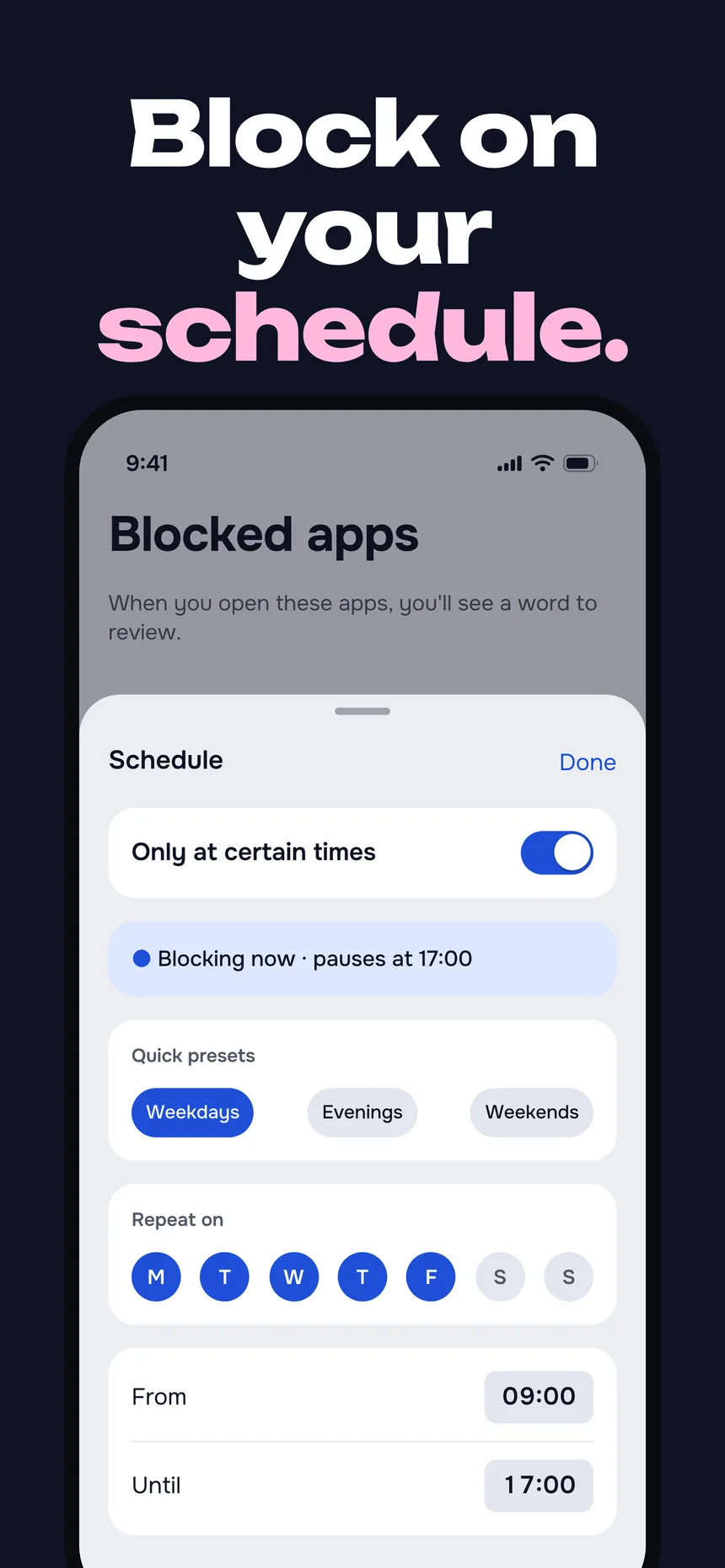
LearnScreen is an iPhone app that asks you one word in the language you are learning before a distracting app opens. Answer it, and the app opens.
Fact sheet
- App Store name
- Flashcard Blocker: LearnScreen
- Developer
- Roman Grunin, independent solo developer
- Platform
- iPhone, iOS 18 or later
- First release
- April 2026
- Version 4.0
- 30 November 2026, a full redesign
- Price (US)
- 7-day free trial, then $39.99 a year or $7.99 a month. Subscription required to use the app. Prices vary by country; the App Store shows the local price.
- Languages taught
- 11: English, German, Spanish, French, Italian, Japanese, Korean, Polish, Brazilian Portuguese, Russian, Chinese
- Word library
- 1,080 curated words per language in 18 topics, IELTS and TOEFL academic words for English, DELE words for Spanish, plus your own words and Anki deck import
- App interface
- 18 languages; the App Store listing is localized into 50
- Built on
- Apple's Screen Time API, spaced repetition (SM-2), widgets, App Intents, and on-device Apple Intelligence where the language is supported
- Account
- None needed. Optional backup goes to the user's own iCloud.
- Links
- App Store · learnscreen.app
Description
Most of us open Instagram or TikTok dozens of times a day without deciding to. LearnScreen turns that reflex into language practice. You pick the apps that eat your time. When you open one, Loxy, the app's little lock, asks you one word from your own deck. Answer it and the app opens for a while, then locks again by itself.
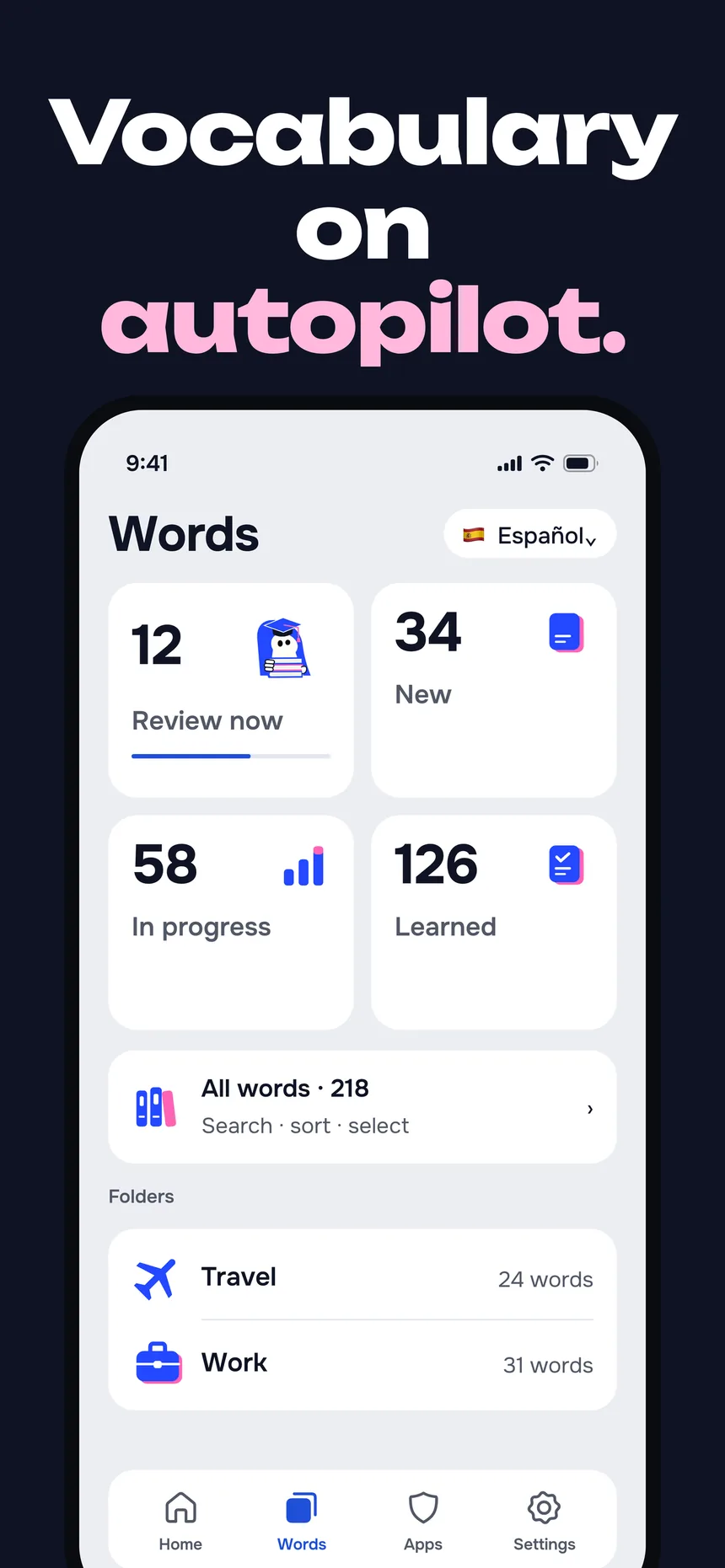
Every word keeps its own spaced-repetition schedule, so the words you struggle with come back sooner and the ones you know fade out. You can study the built-in library, add your own words, or import an Anki deck.
LearnScreen is built and maintained by one developer. Version 4.0 is a full redesign with its own icon set and a new home screen, and it adds what learners asked for: typing the answer, hearing each word spoken by the system voice, readings for Japanese, Korean and Chinese, reviewing one folder at a time, and exam word packs.
What's new in 4.0
- A redesign of every screen, with every icon drawn in LearnScreen's own style.
- Loxy, the keyhole mascot, guides first setup and waits on the words screen.
- Hear each word: a speaker button on the review card uses the iPhone's built-in voices.
- Type the answer instead of picking it, and choose the translation direction.
- Exam packs: IELTS and TOEFL academic words for English, DELE words for Spanish.
- Readings for Japanese, Korean and Chinese words, in the library and in practice.
- Experimental Anki import (.apkg or a text export), choosing which words to keep.
- Review one folder or topic at a time.
Screenshots
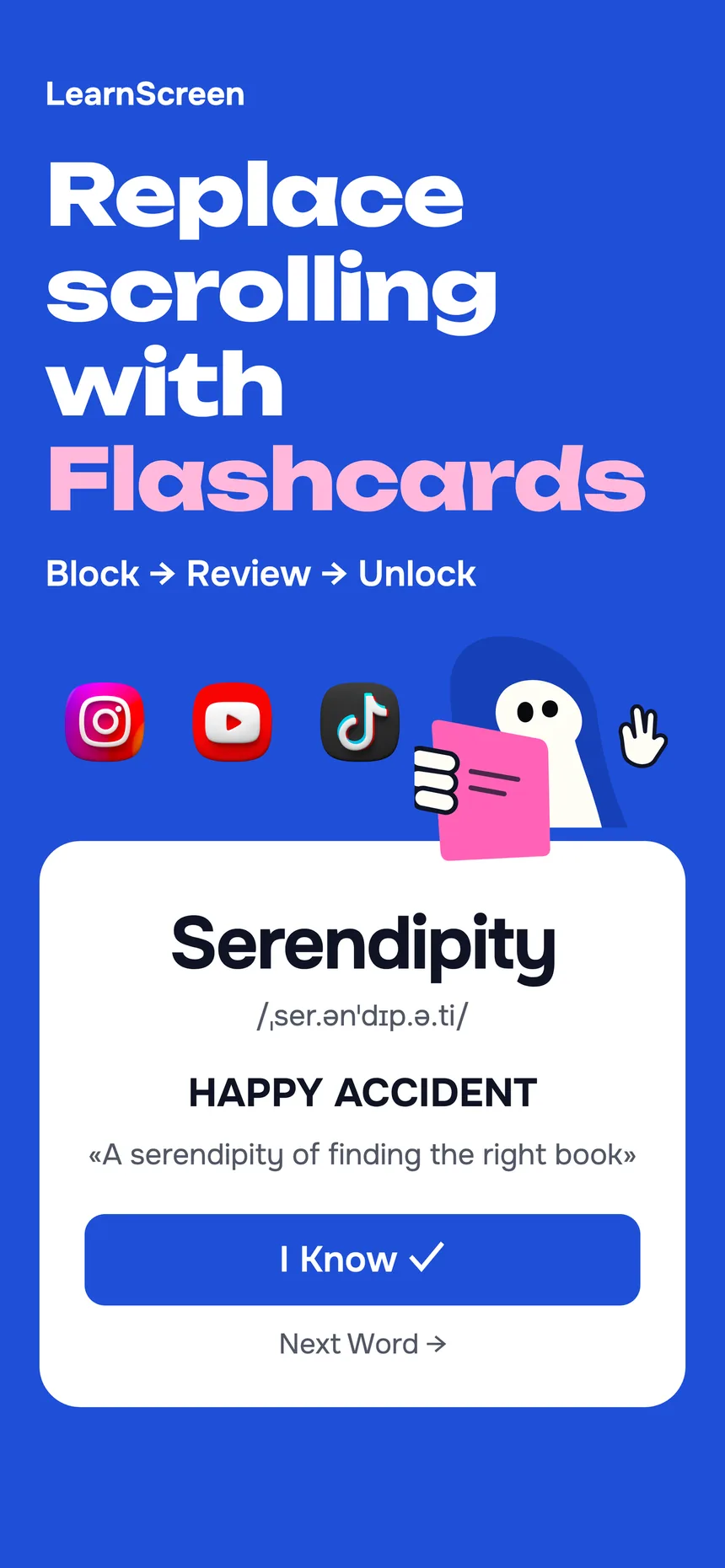
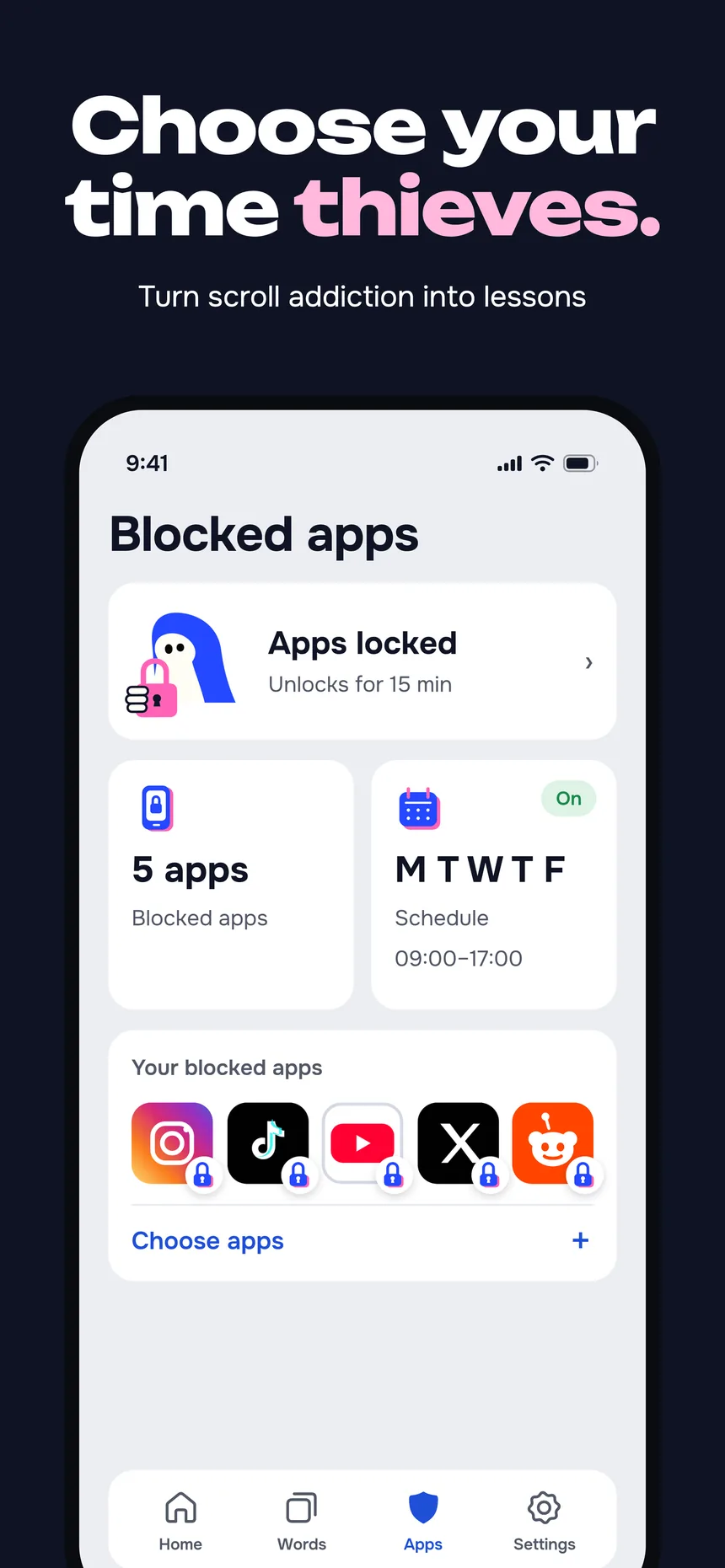
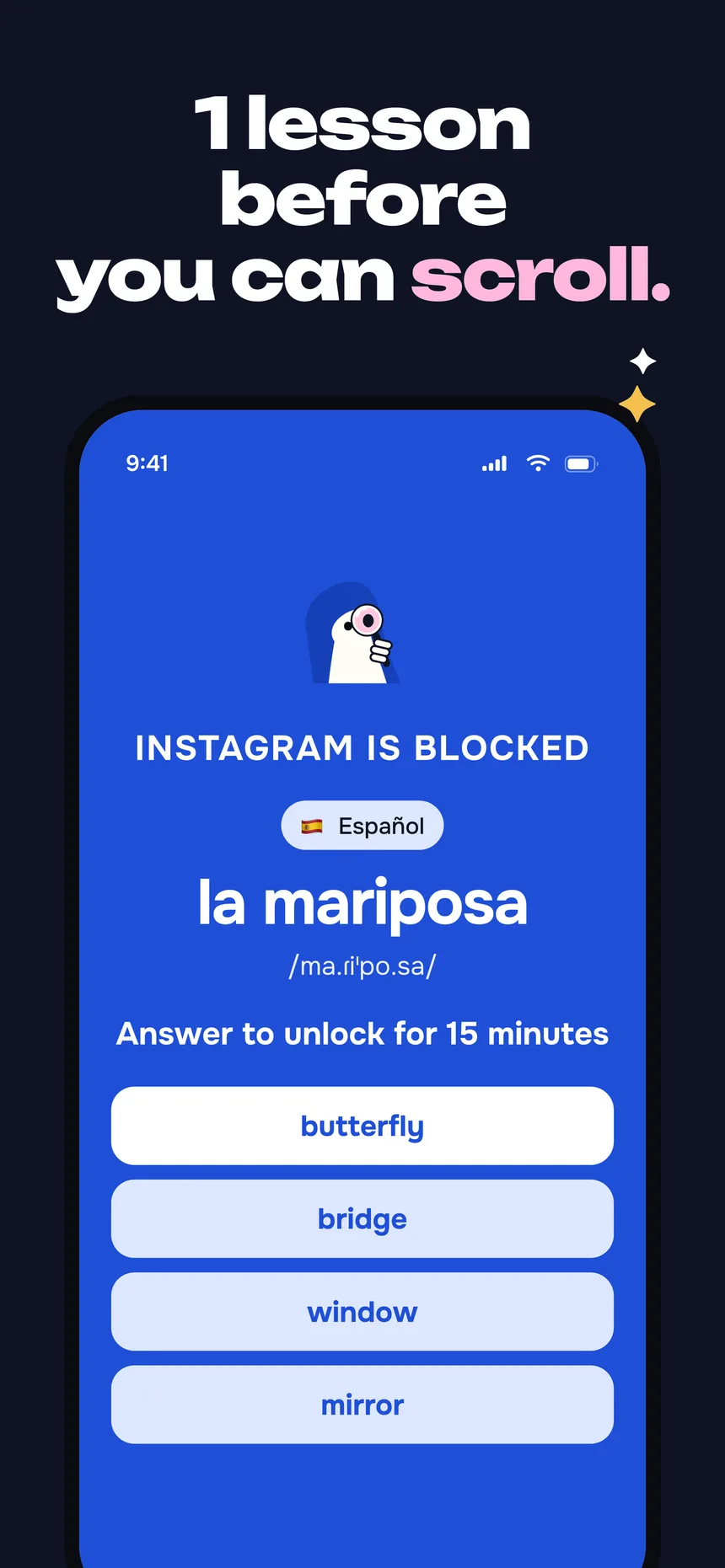
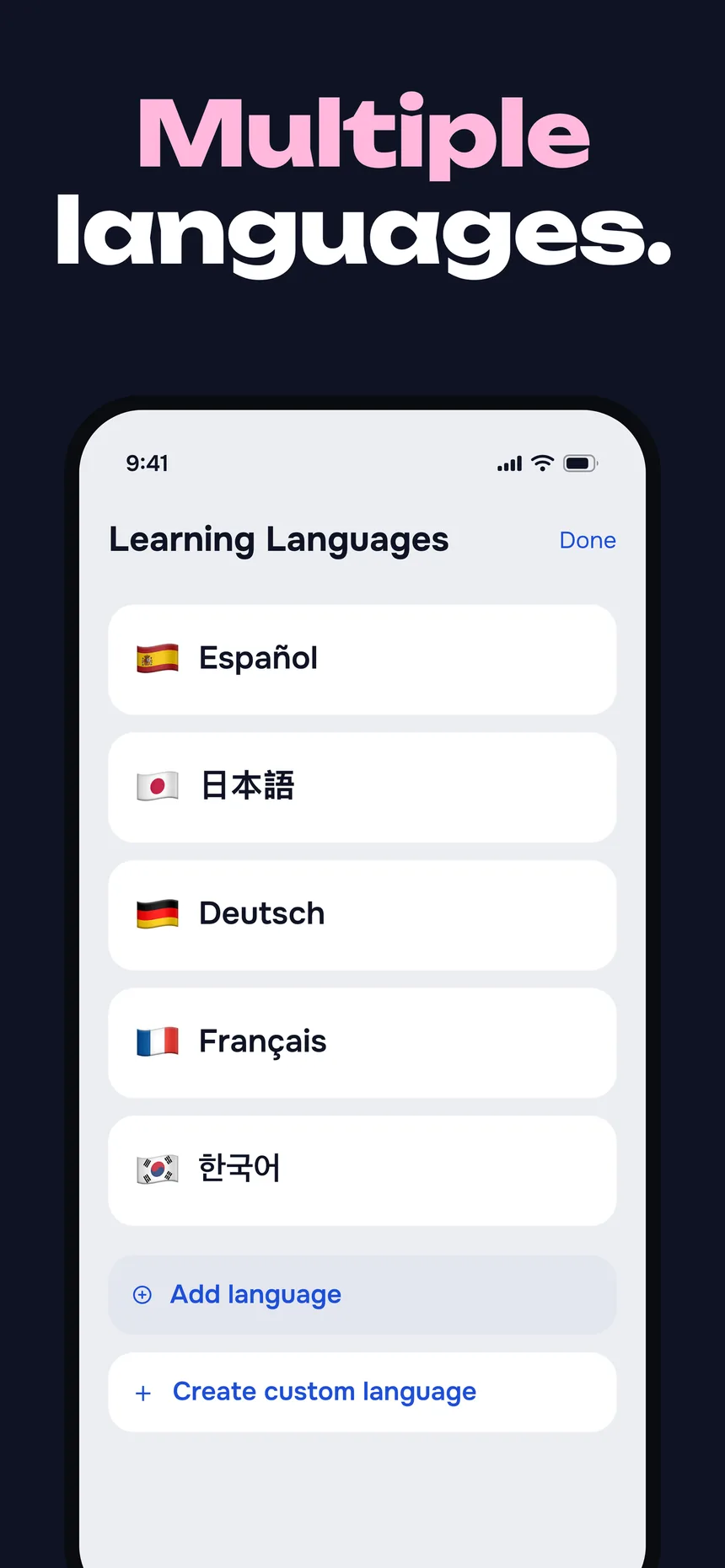
Tap an image to open the full file. Higher-resolution App Store screenshots in other languages are available on request.
Icon and Loxy
Loxy is LearnScreen's mascot: a little lock with a keyhole. Please call him Loxy, not a card. The artwork below is vector (SVG); tap to download.
 App icon (PNG)
 Loxy, calm
 Loxy, curious
 Loxy, focused
 Loxy, opening
 Loxy on blue
Review access
LearnScreen needs a subscription to use. Journalists, newsletter writers and reviewers can get a free year: email roman@learnscreen.app with the outlet you write for, and you will get a one-time App Store code. A TestFlight build of upcoming versions is also available on request.
To see the core idea in a minute: choose a language, pick one app to shield, open that app, and answer the word.
About the developer
Roman Grunin builds LearnScreen on his own: the app, its design, its own icon set and mascot, and the App Store listing in 50 locales. Roman is happy to talk about building on Apple's Screen Time API, about learning vocabulary in short moments, and about running an indie subscription app.