Spaced repetition,
without the studying.
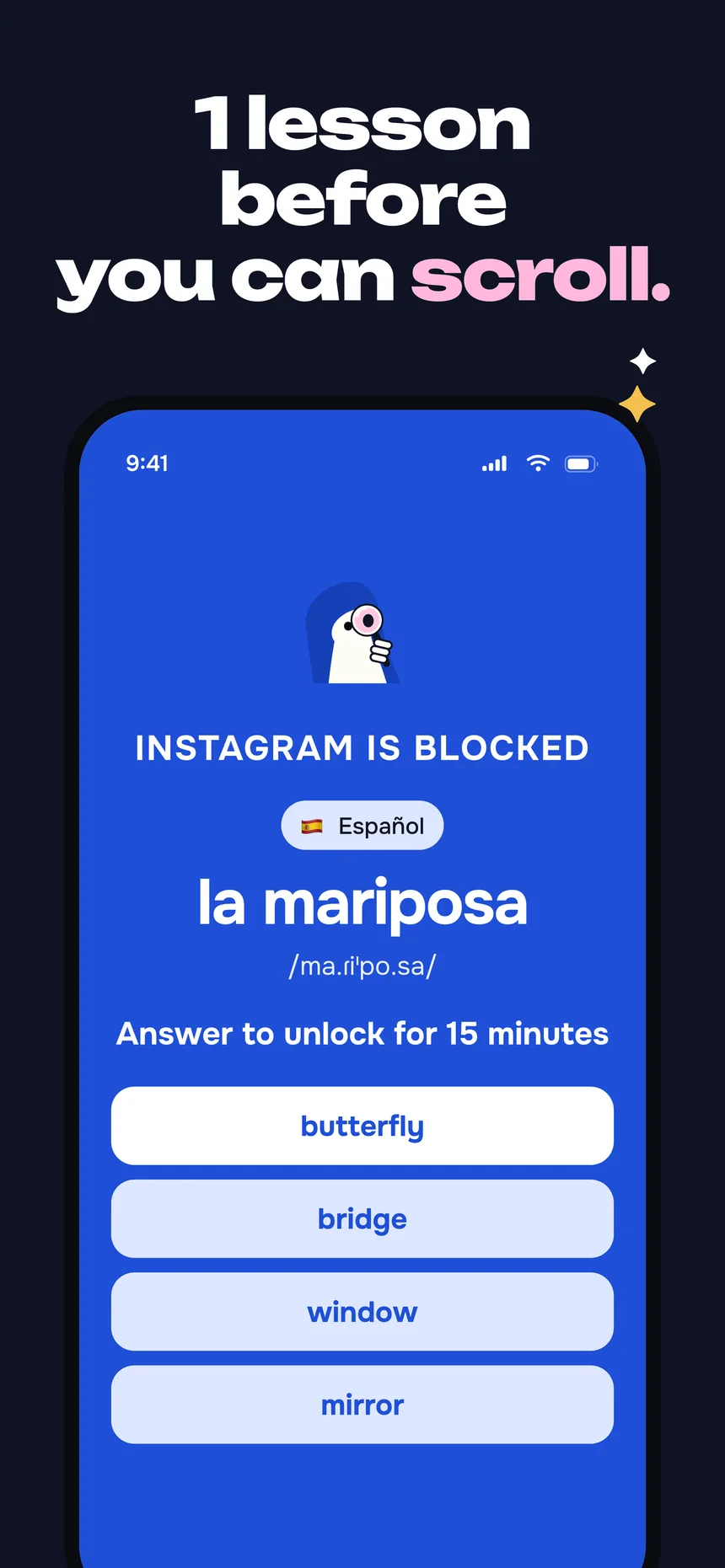
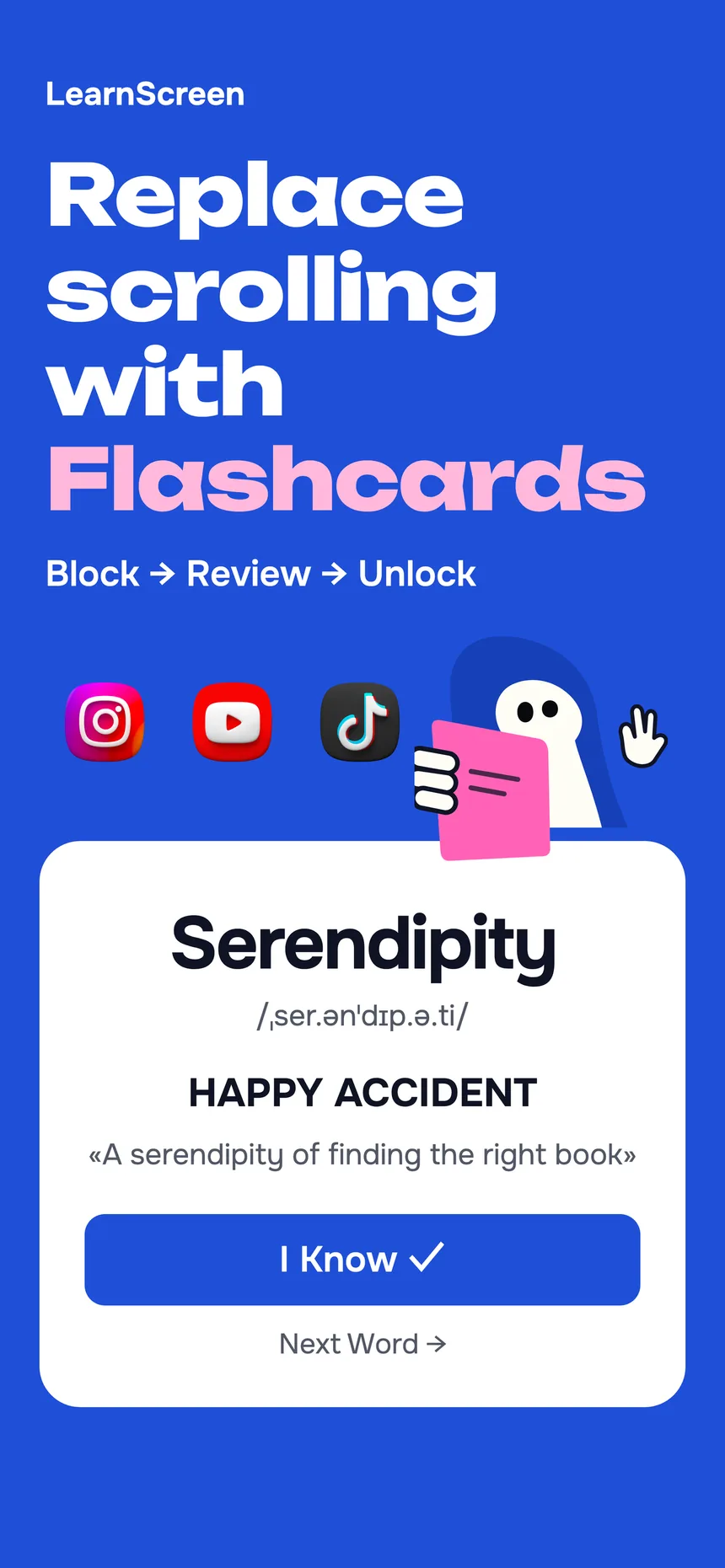
LearnScreen keeps Anki's spaced-repetition engine but removes the deck-building and the daily study session. It ships with 1,080+ curated words, schedules them with the Leitner system, and shows each card the moment you reach for a distracting app — so the review comes to you instead of waiting in an app you have to remember to open.
7-day free trial · No account · Works offline

Why people look for an app like Anki
Anki is a superb spaced-repetition tool — and its scheduling is exactly why it works. The friction isn't the algorithm; it's everything around it. You have to build or download a deck, format cards, and, most importantly, decide to open the app and study every single day. Miss a few days and the review queue balloons into a chore.
That's the gap a passive alternative fills. Memory rewards frequency over duration: seeing a word for five seconds across many short reviews builds stronger recall than one long cram session. The hard part has always been the trigger — remembering to review. So the most useful thing an Anki alternative can do is remove the trigger entirely.
LearnScreen attaches each review to the most reliable habit you have: reaching for your phone. You keep the spaced-repetition science and drop the daily discipline. Read the full case for passive learning, or the research on how many repetitions a word needs.
LearnScreen vs. Anki vs. Duolingo
All three help you learn vocabulary. They differ on one thing that decides whether you'll actually stick with it: who has to start the session.
| LearnScreen | Anki | Duolingo | |
|---|---|---|---|
| How a review starts | Comes to you when you open a blocked app | You open the app to study | You open the app to study |
| Spaced repetition | Yes — Leitner system | Yes — SM-2 / FSRS | Limited |
| Setup before you learn | None — 1,080+ words built in | Build or download decks | Pick a course |
| Depends on a daily streak | No | Queue grows if you skip | Yes, by design |
| Custom words | Yes — unlimited, 11 languages | Yes — core strength | No |
| Works offline | Yes | Yes | Partly |
| Platform | iPhone (iOS) | Desktop, iOS, Android | iOS, Android, web |
Anki and Duolingo are trademarks of their respective owners. Comparison reflects each app's default learning model, not an exhaustive feature list.
Bring the deck you already built
Switching usually means losing the deck, which is why most people never switch. Since version 3.7.0 LearnScreen reads Anki files directly on the iPhone — no desktop, no account, no conversion site.
What it reads
.apkgand.colpkgexports, collection schema 11 and 18, including the Zstandard-compressed ones current Anki writes.- File → Export → “Notes in Plain Text”, with whatever separator you chose.
- Your deck tree: each deck becomes a folder, sub-decks included.
What it does with it
- Works out which field is the word, which is the meaning, and turns a back-to-front deck around.
- Strips Anki’s HTML, sound tags, images and furigana down to the text.
- Shows you every note and lets you pick — by deck, or only the new ones. Suspended notes stay unticked.
- Nothing is written until you confirm; duplicates and cloze notes are left out and told to you.
What it does not import is the scheduling state. Your intervals stay in Anki; in LearnScreen the words start fresh and come back through the shield instead of a queue. If the deck is the only reason you have stayed, this is the part that was missing.
Same science, no study session
You never open LearnScreen to review. The spaced-repetition card appears the moment you reach for a distraction — and steps out of the way the second you answer.
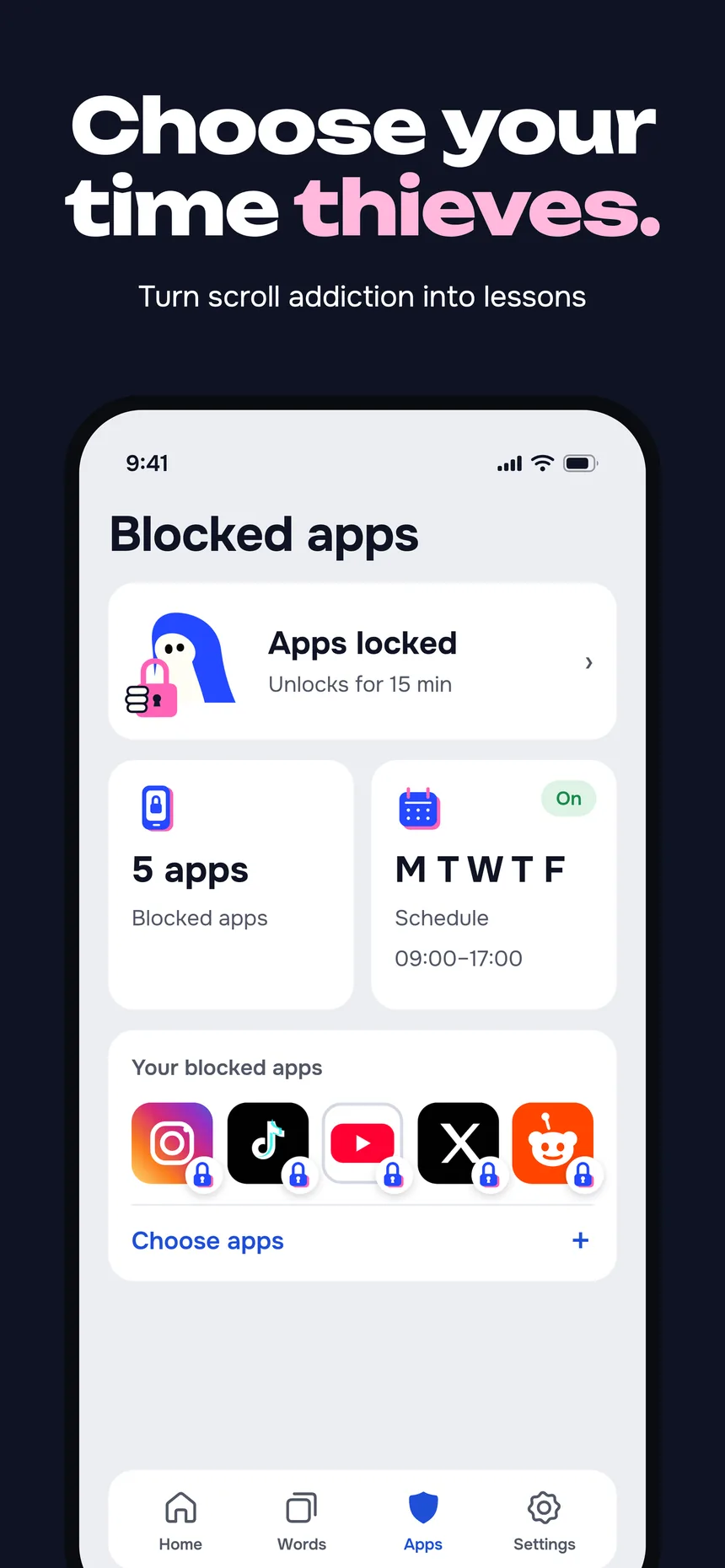
Pick your distractions
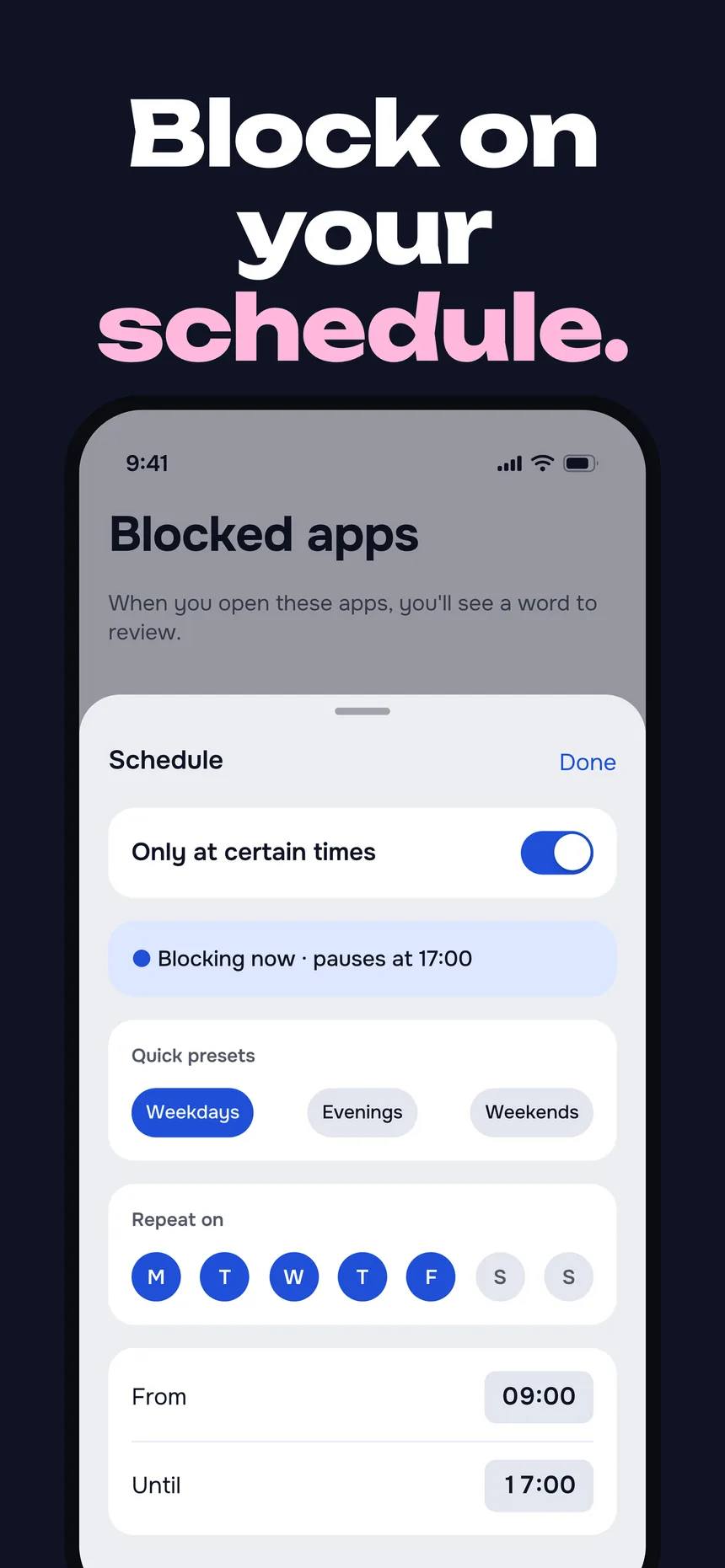
Choose the apps that pull you in — Instagram, TikTok, X, games. LearnScreen shields them using Apple's Screen Time API.
The scheduler picks a card
The Leitner system chooses the word you're closest to forgetting and shows it the instant you open a blocked app — no deck to open.
Answer and carry on
Tap "I know" or "I don't know." Correct words back off along widening intervals; missed ones return sooner. Then the app unlocks.
What you keep —
and what you drop
Keep: real spaced repetition
The Leitner system surfaces each word right before you'd forget it — the same interval science that makes Anki effective, spread across dozens of daily pickups instead of one session.
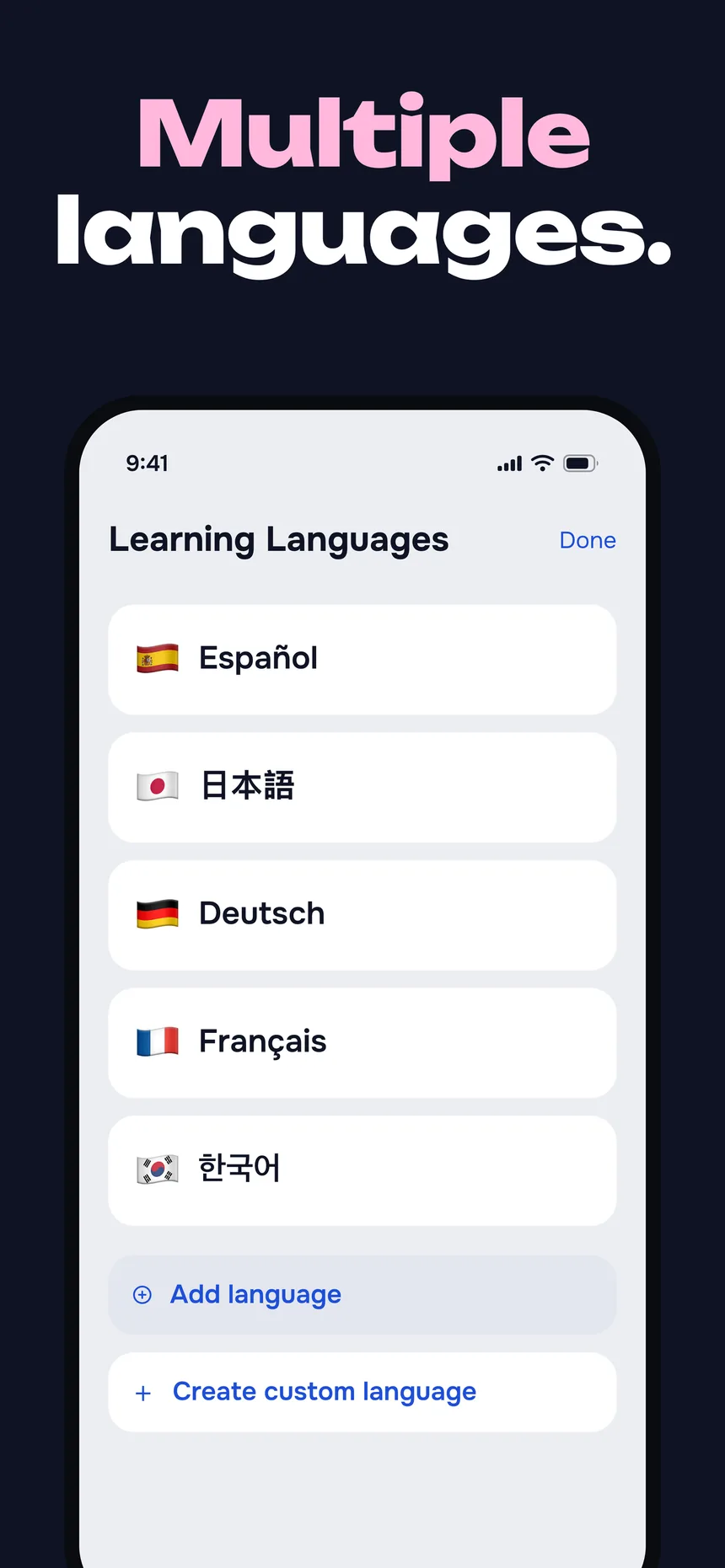
Keep: your own words, 11 languages
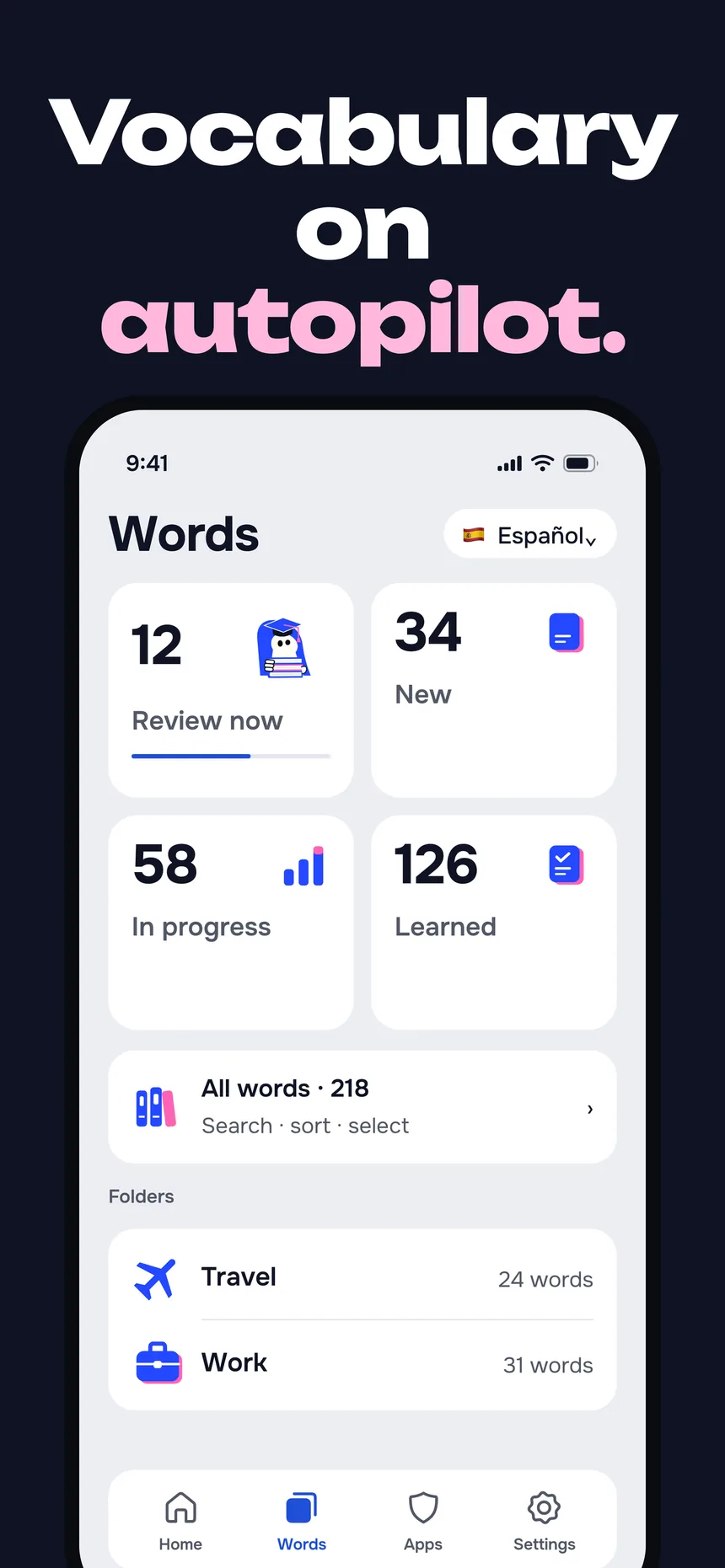
Add unlimited custom vocabulary with translation, transcription and an example sentence across English, German, Spanish, French, Italian, Japanese, Korean, Polish, Portuguese, Russian and Chinese. Progress backs up to your private iCloud.
Drop: deck-building
1,080+ words across 18 topics are ready the moment you install — see them all in the word lists. No card formatting and no shared-deck hunting before you can start. And if you already have a deck, bring it: the .apkg import is below.
Drop: the daily study session
There's no queue to clear and no streak to protect. Skip a day and nothing piles up — the next review simply arrives the next time you reach for a blocked app.
When to pick which
- Choose Anki when you're a committed self-studier who wants total deck control and cross-platform sync for exam-grade cramming.
- Choose LearnScreen when you keep meaning to study but never sit down to — and want your phone habit to do the reviewing for you.
- Use both if you like: Anki for deliberate deep sessions, LearnScreen to keep words warm passively between them.
Anki alternative FAQ
.apkg and .colpkg exports (both the old collection schema and the Zstandard-compressed one current Anki writes) as well as File → Export → “Notes in Plain Text”. It works out which field is the word and which is the meaning, strips Anki's HTML, sound tags and furigana, turns each deck into a folder, and shows you every note so you can pick what to keep — by deck, or only the new ones. Scheduling state does not come across: the words start fresh here, because they are reviewed through the shield rather than from a queue. More on the import.
Keep the science,
drop the study session
Start with a 7-day free trial. No account needed.
Download for iOS